Coincident Partials and Check Notes
This webapp is still in beta. If it doesn’t look right on your phone, try a laptop and vice versa.
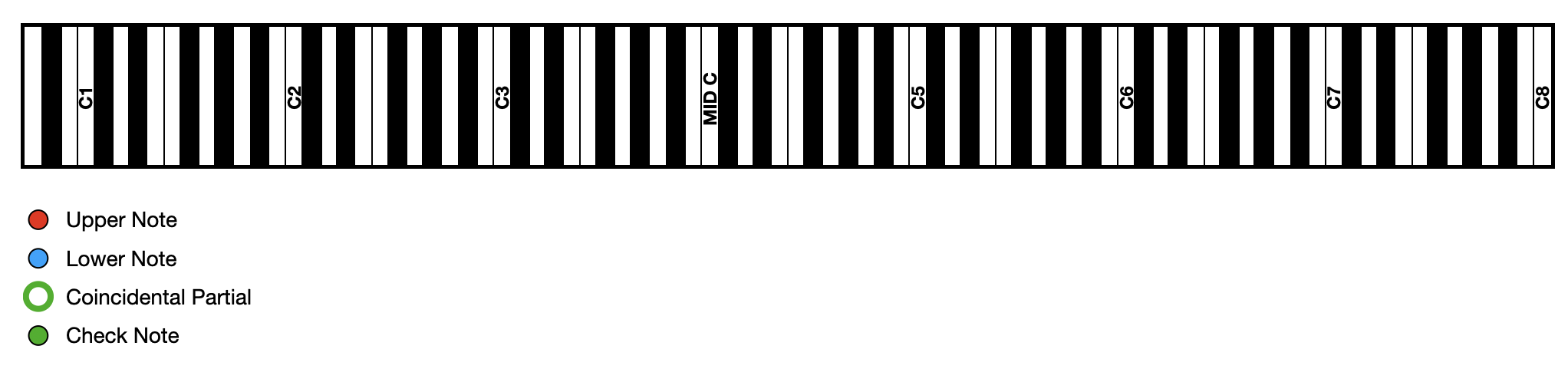
Use this webapp to help you visualize the coincident partials and check notes of an interval.
Place your finger on the notes and drag them.
Place your finger at the edge of the page to drag the page so you can see other parts of the keyboard.
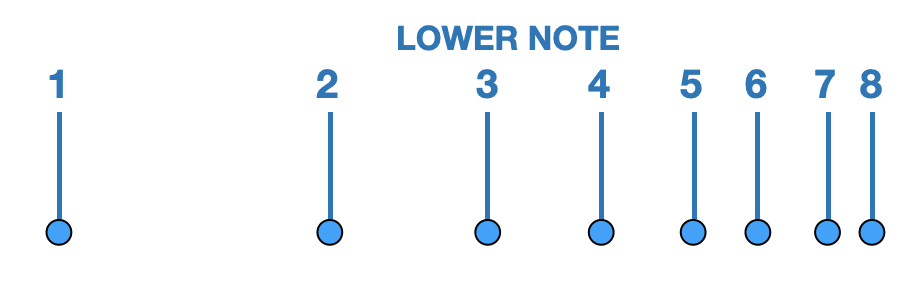
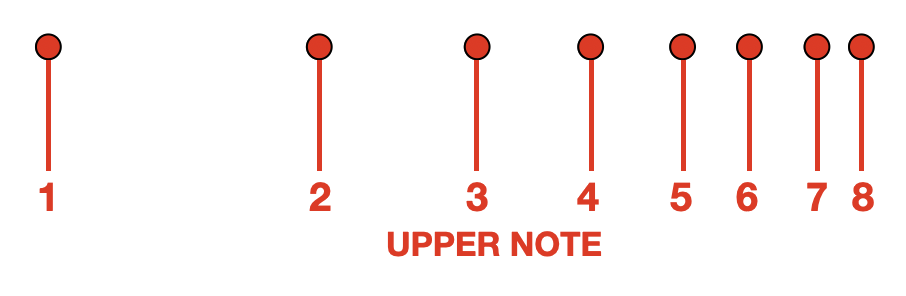
Drag the Upper Note and Lower Note so that the 1st partials form your interval.
Notice where the partials of the upper and lower note line up. Those are the coincident partials.
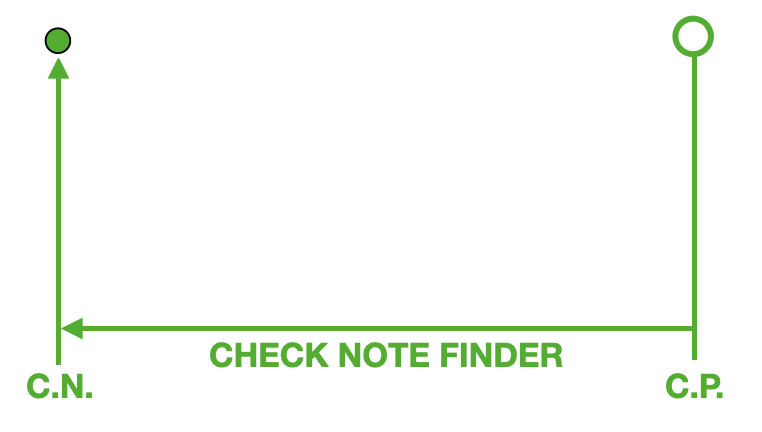
Drag the green circle onto the coincident partial (C.P.) and you will see the check note (C.N.).
Use the check notes (C.N.) to test the interval. Play the check note with each interval note and listen to the beating at the coincident partial.
Top faster = Wide
Top slower = Narrow
Same = Pure